Stage Fix v6 — Lightroom Preset System
Fix ugly light fast.
A modular preset system for the moment the light turns green, the spots clip out and you still have 200 frames to deliver by morning.
$9.99
One-time. Instant download.
Buy Stage Fix v6 — $9.9930-day money-back guarantee. No questions asked.


Mixed spotlights, green LED wash, clipped highlights. Three folders, about forty seconds.
The system
Most presets are one-click. Stage Fix is a workflow. You correct the file first, stabilize it, then apply your look — in that order, every time. That is why it works when the light is brutal and one preset would not.
01
Correct
Fix white balance, color casts and ugly mixed light first. Get the file to neutral before you do anything creative.
02
Stabilize
Recover highlights, control noise, bring the file back into shape. Fix the technical problems before adding style.
03
Finish
Add the final look once the image is technically under control. Your own style goes here — or use the included finishing presets.
0
working presets — correction, stabilization, finishing
0
folders in a fixed order, so you never hunt during an edit
0
reset presets to undo a step cleanly
0
install zip — import once, done
Same system, different frame.
Stage Fix was not built for one specific type of light. It works across concerts, festivals, clubs, events and backstage — anywhere the light is unpredictable and you need to deliver fast.


Heavy backlight, crushed shadows. Same system, different frame.
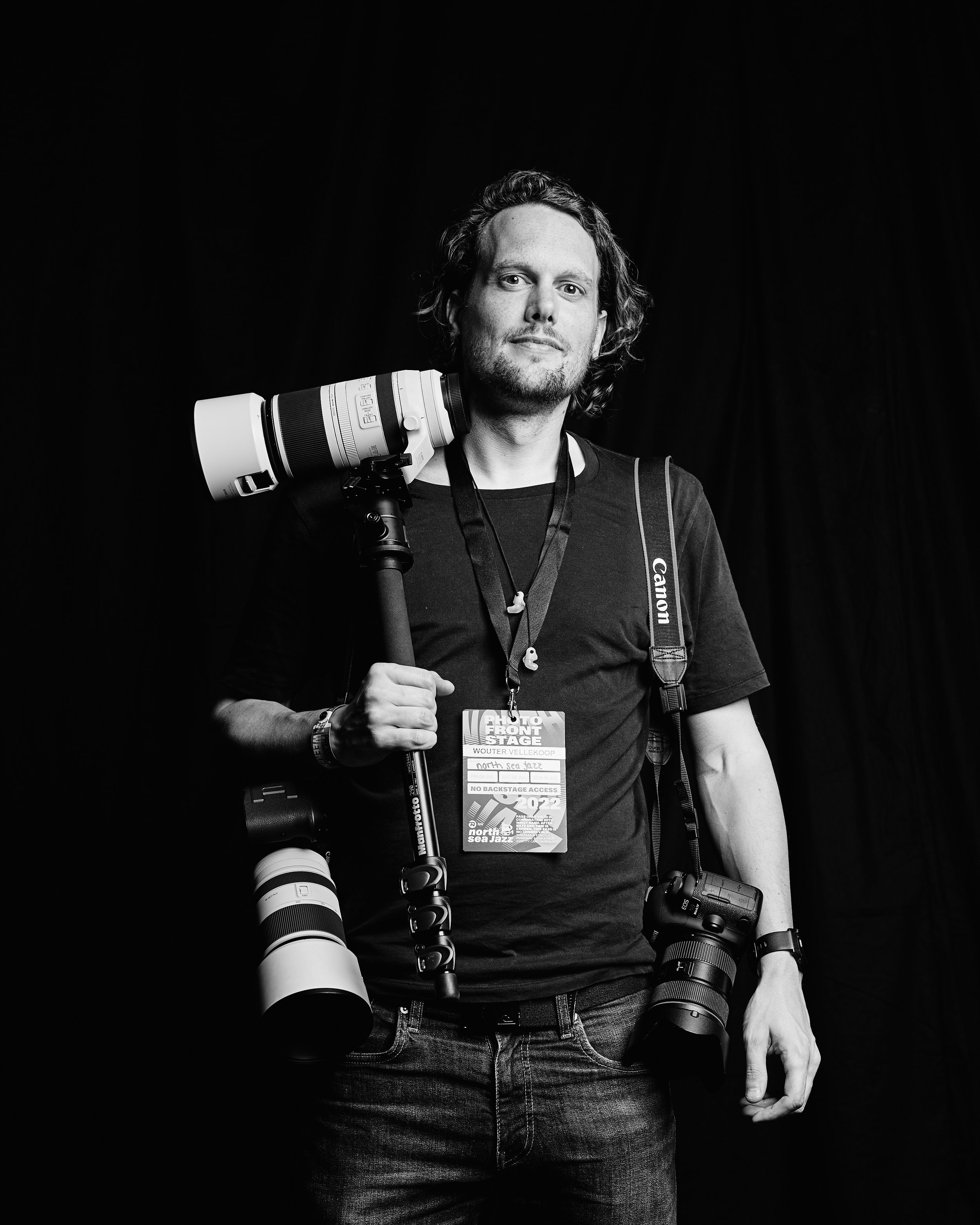
Why I built this
Built from real deadlines, not demo images.
I am Wouter Vellekoop, a concert photographer. Most preset packs looked fine in the promo shot — controlled light, clean exposure, already half-decent out of camera. They fell apart the moment the light turned green, or the spot clipped, or there were three different color sources in the same frame.
Stage Fix was built across thousands of real delivery edits. It is not a look. It is a system: get the file to a usable state first, then apply whatever style you want on top. That is the order. It works because that is the only order that actually works.
I use the same presets across concerts, festivals, club shows, backstage frames and fast event work. Whenever the light is unpredictable and the turnaround is short, this is what I open.
What you get
One zip. Import. Done.
90 working presets
Organized into correction, stabilization and finishing. Each folder does one job — use what the frame needs, skip what it does not.
15 folders in a fixed order
The folders appear in the right order after import. No renaming, no reorganizing. Open Lightroom, start editing.
15 reset presets
Undo any step cleanly. If a correction goes too far, one click takes you back. No manual slider hunting.
Works with your own style
Stage Fix handles the technical cleanup. Your creative preset or finishing touch goes on top, same as always.
Lightroom Classic + Adobe Camera Raw
One install zip works in both. Import once through the Presets panel — the folders appear in both.
No subscription
$9.99 once. No ongoing fees, no license keys, no expiry. Download it, use it, keep it.
FAQ
Short answers before you buy.
What exactly am I buying?+
Why is this a preset system instead of one preset?+
Is this only for concert photography?+
Do I need to use every folder on every photo?+
Can I still use my own look presets?+
How do I install it?+
Why does this cost $9.99?+
What if it doesn't work for me?+
Stop fighting the light. Fix it.
One install. 90 presets. A system that works in the exact situations where one preset does not.
Questions before buying? hello@wouter.photo